Physics 152 Setup
Details:
Magnetic Fields
(click each photo for a larger image)
Return
to main setup page
| Room Setup | |
 |
|
| Bar Magnet Stations (2) | |
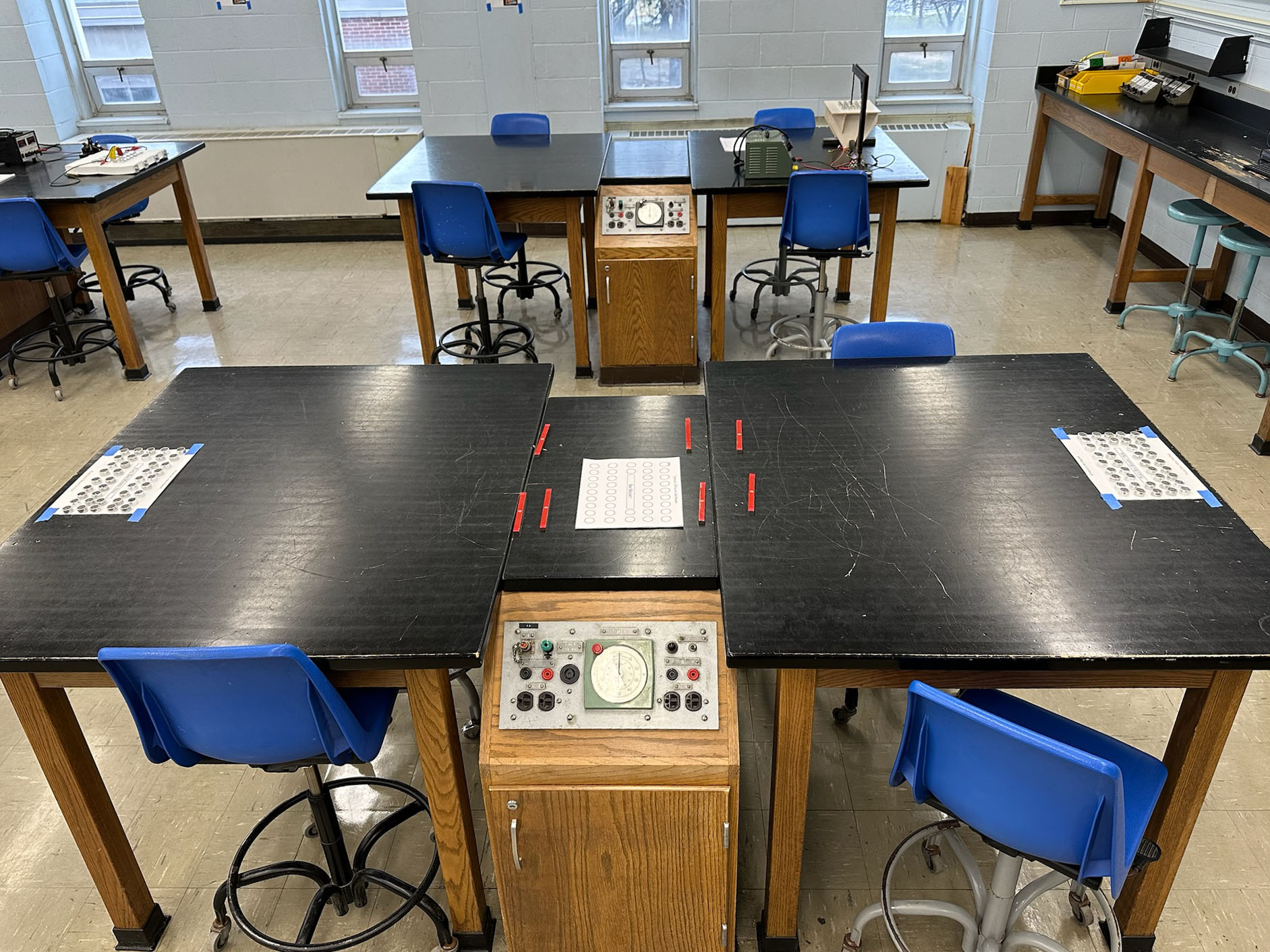 Two templates are taped to the ends of the front-right bench. Extra templates and magnets are placed in the center |
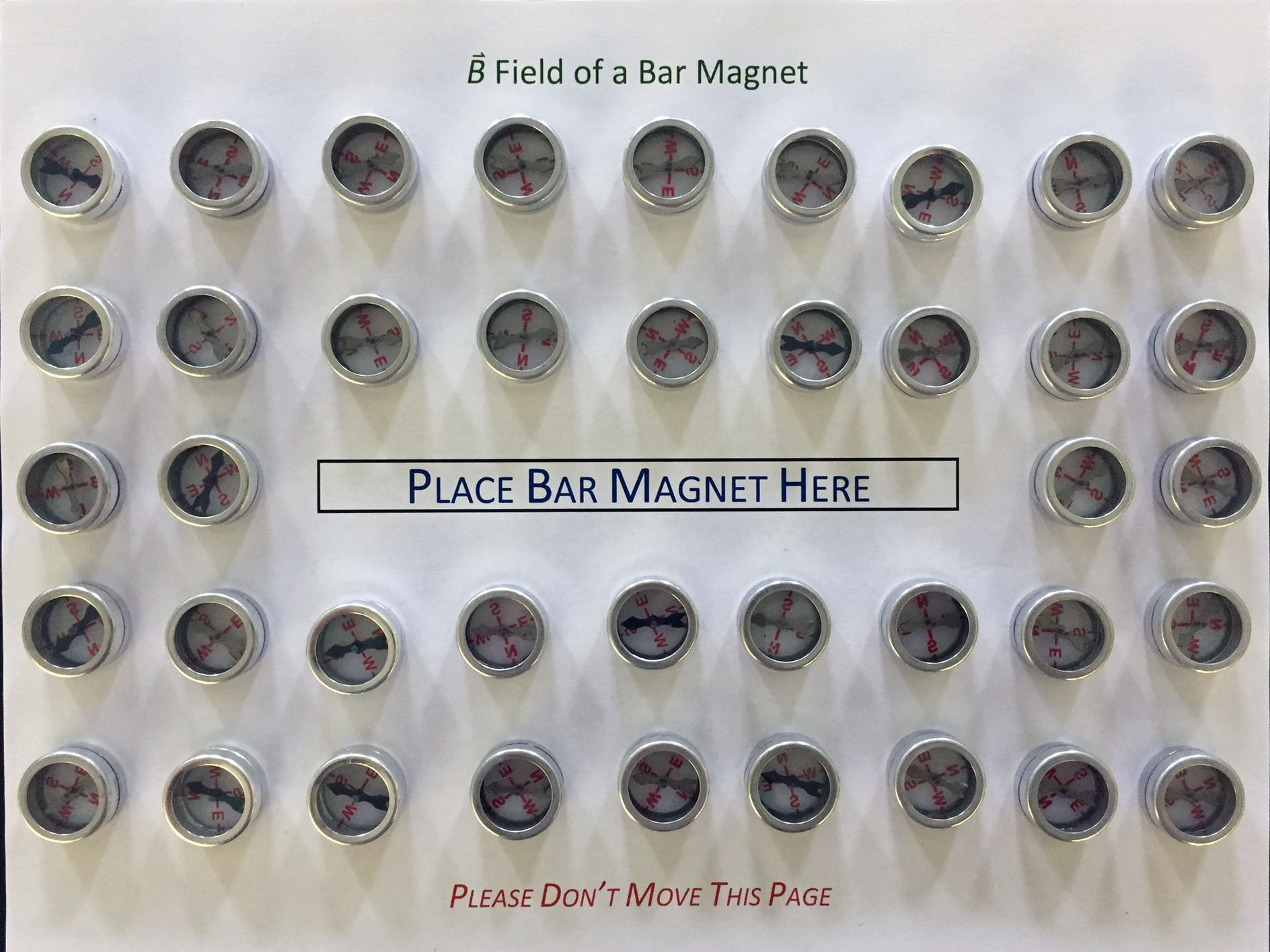 The template used for magnet and compasses; Note that compasses are face-down, and point roughly in same direction! |
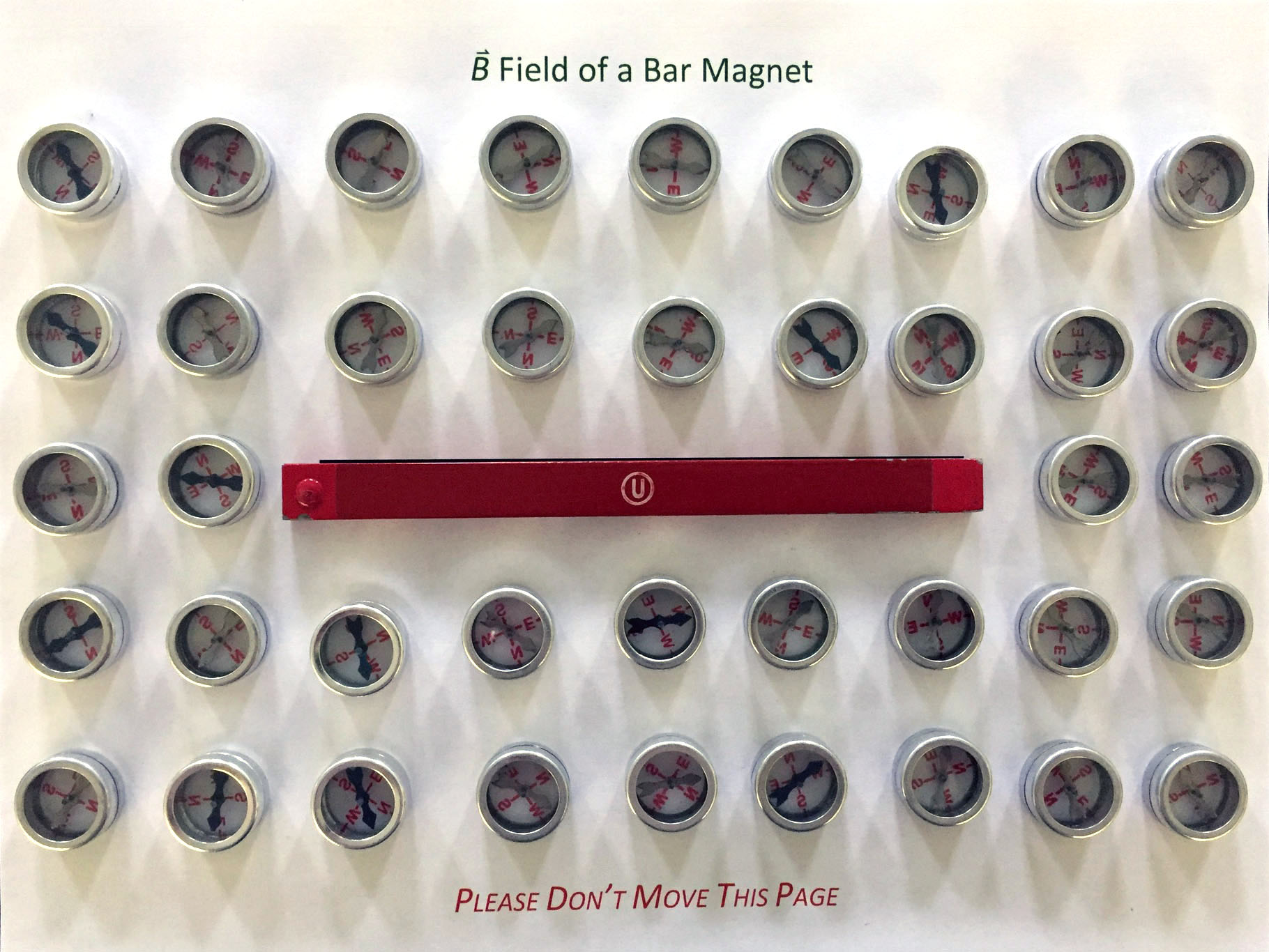 Place bar magnet in center of compasses |
 Direction of B near north end of magnet |
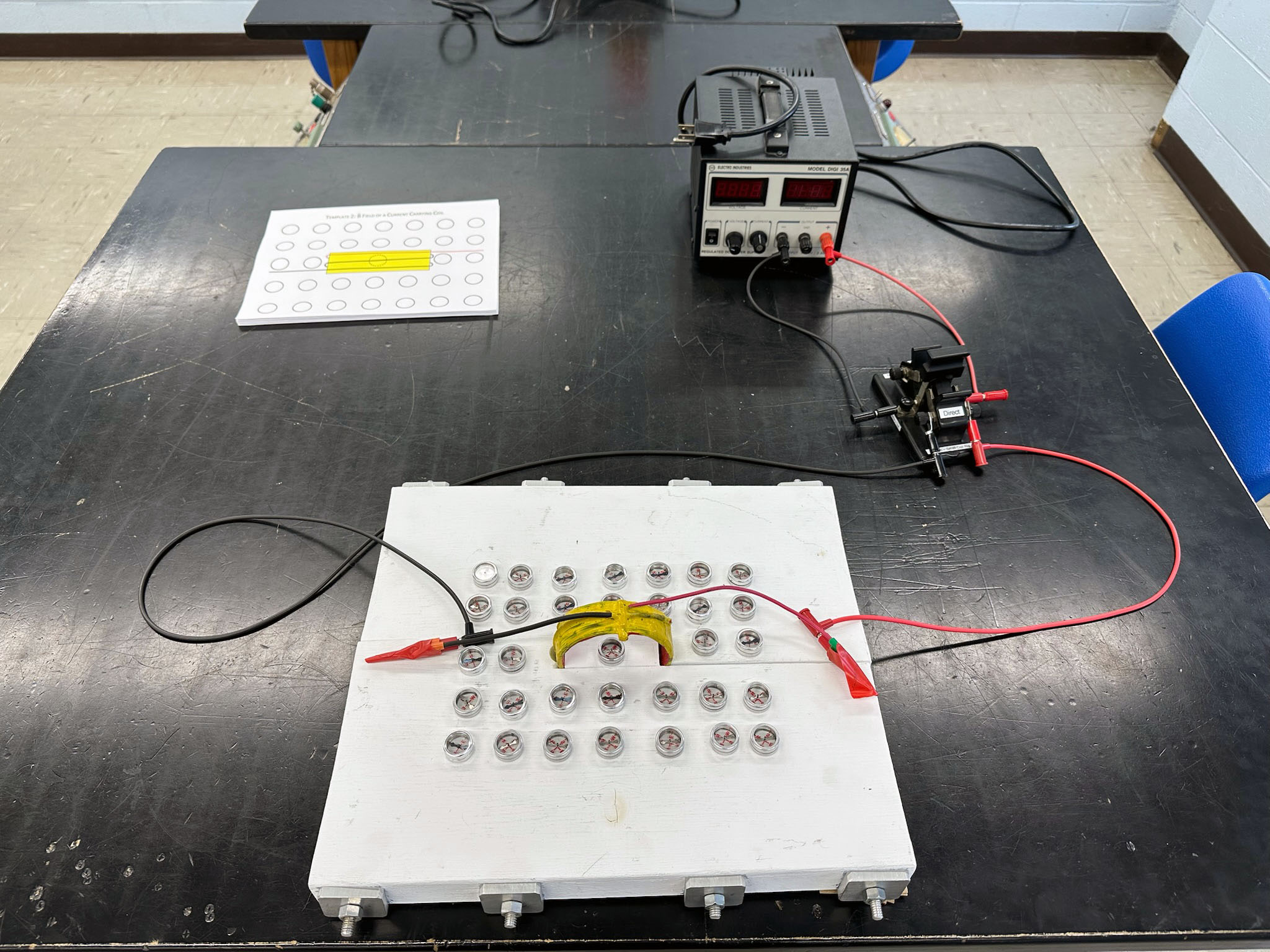
| Small Coil Rig | |
|
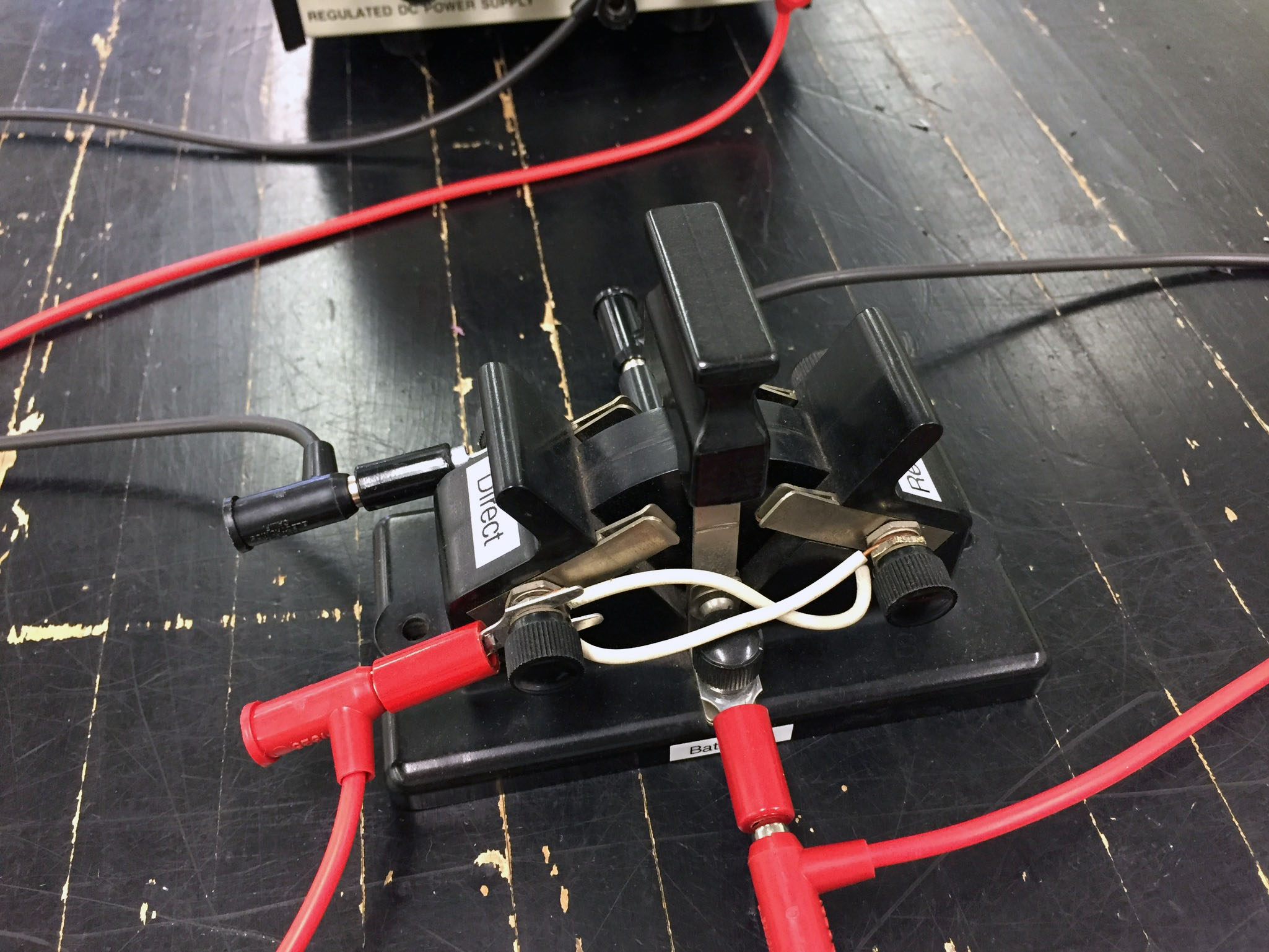 Switch to allow easy reversal of current direction. Power is off with switch vertical. Color code connections, and connect terminals labeled 'Battery In' to power supply |
 Compasses (face down!) point in direction of B with switch in Direct position (coming in along the red wire) |
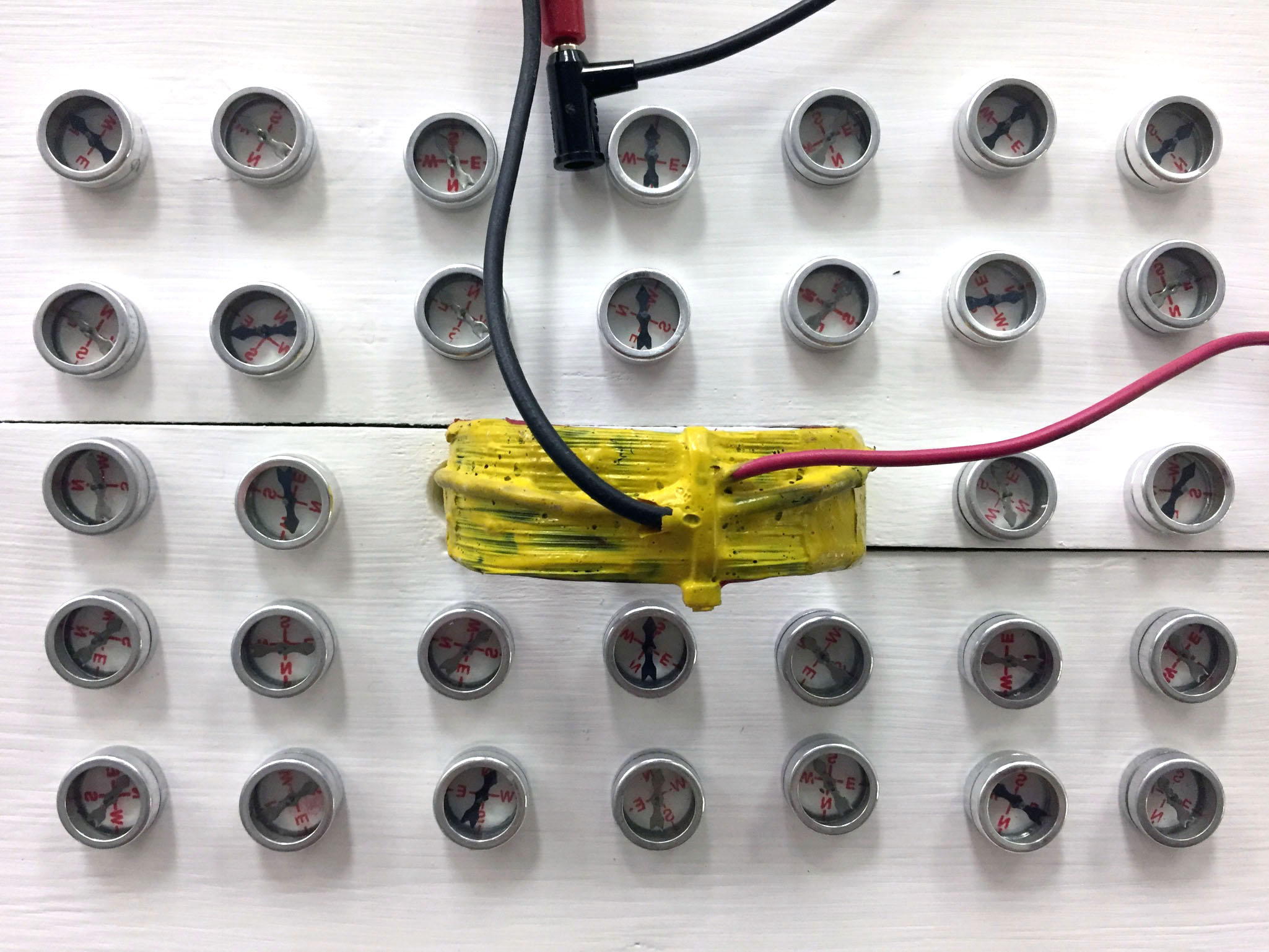 Compasses point in direction of B with switch in Reverse position (coming in along the black wire) |
 Place a compass inside of the coil to show direction of B through the coil |
|
| Large Solenoid (Pasco Air Coil Solenoid) | |
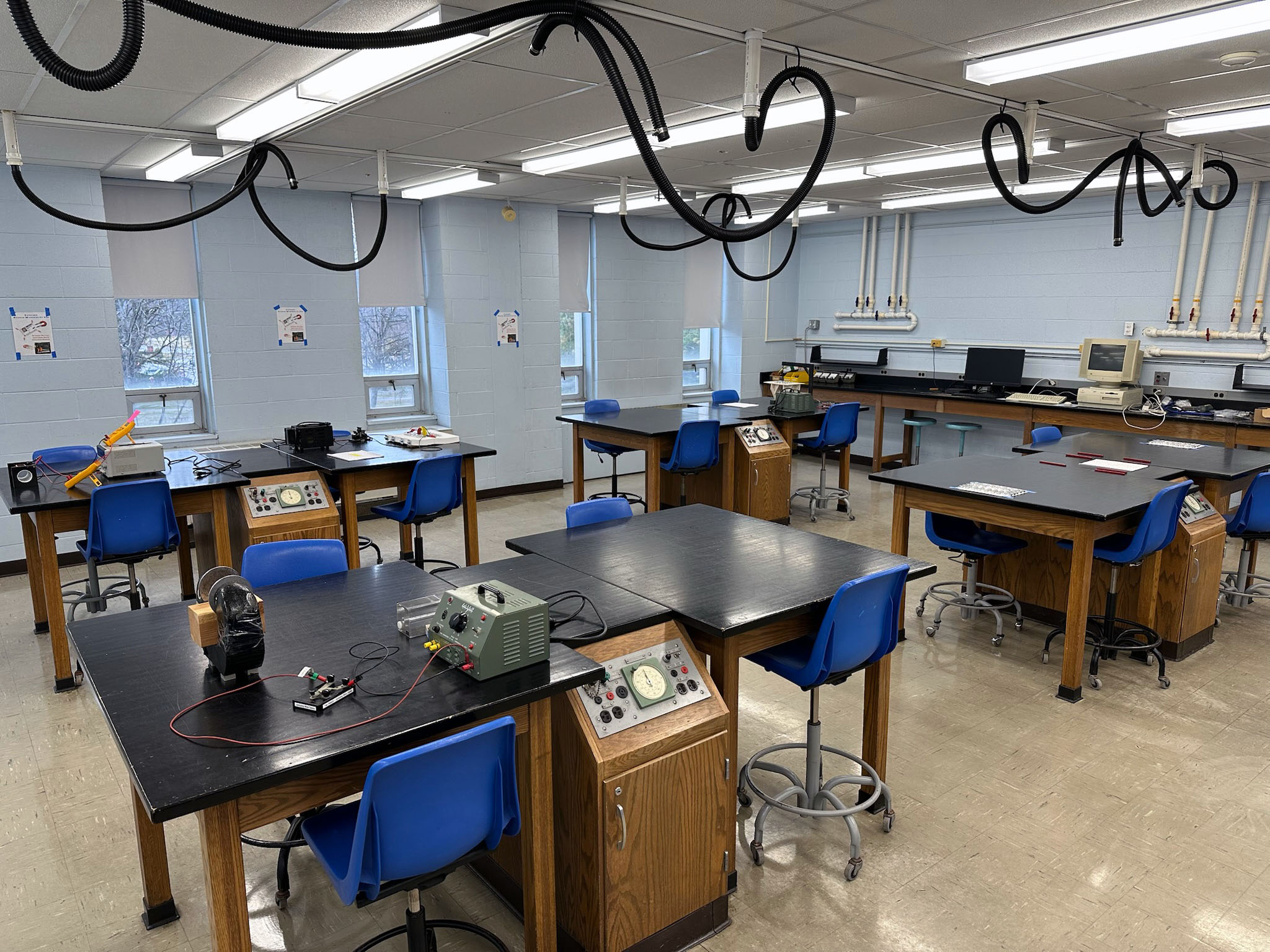
 The solenoid is set up on the back-left bench. Place voltmeter on power supply, ammeter to the right |
 The current will be set to 3A; note the connection of the wire to the 20A terminal |
 The Pasco Air Coil Solenoid. Connect the voltmenter to a pair of spade lugs attached to the binding posts of the solenoid |
|
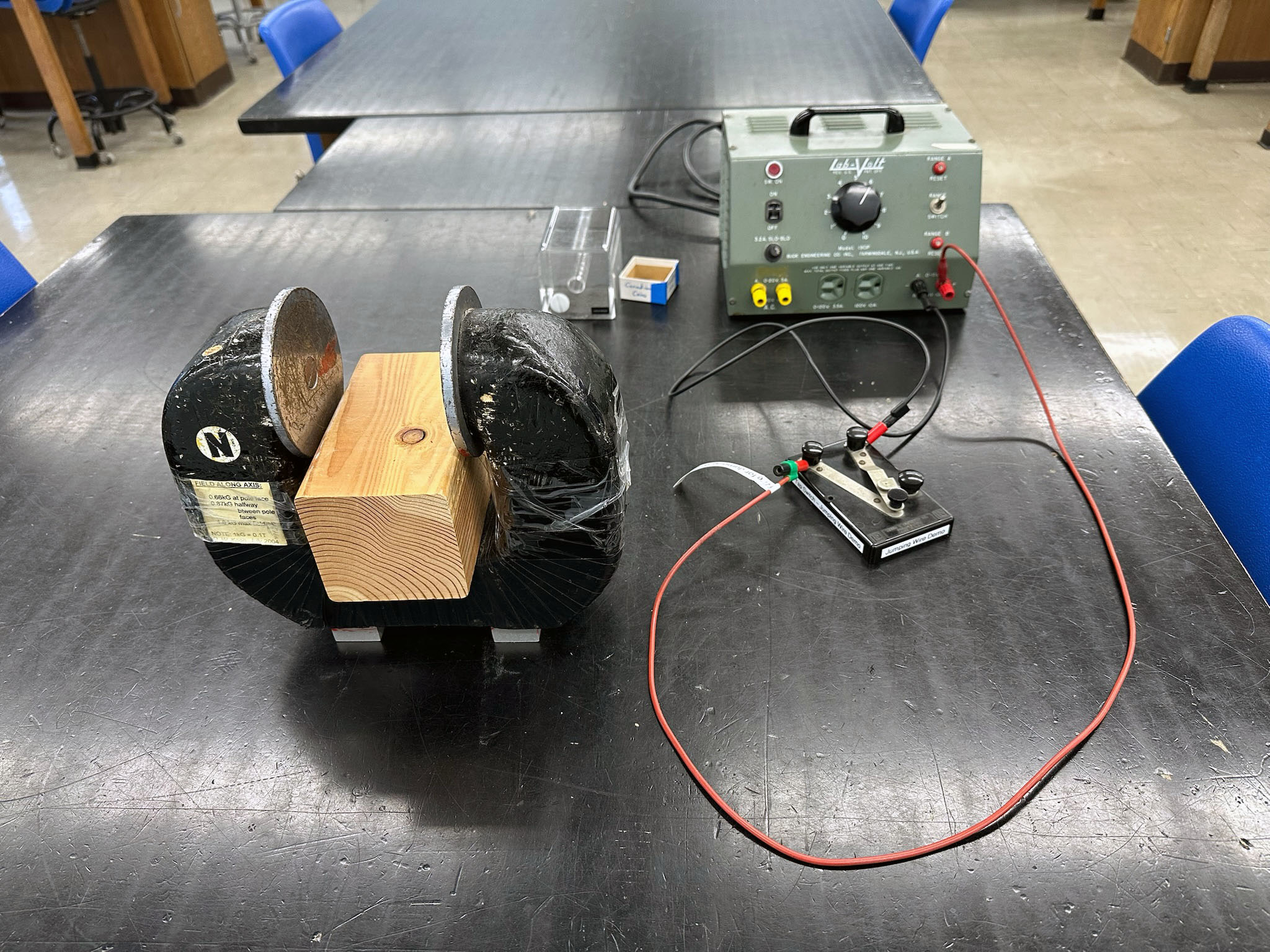
| Horseshoe Magnet - "Jumping Wire" | |
|
 Use the wire reserved for this experiment |
| Square Coil (B Around Straight Wire) | |
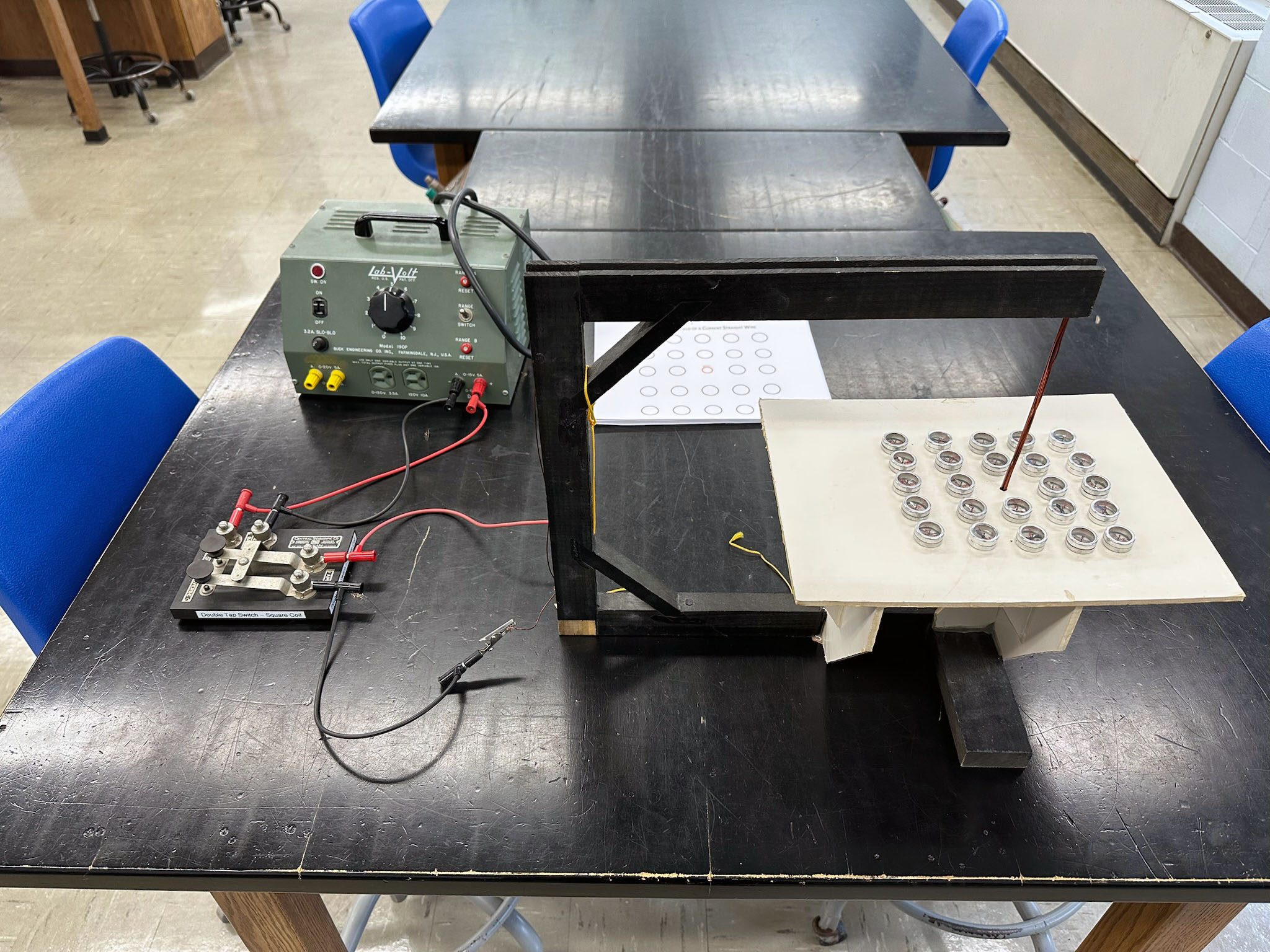 Square coil is on back-right bench. Use LabVolt power supply; connect to DC side; flip range switch UP (5A position) Set knob to '5' |
 Tap switch to allow easy reversal of current |
 Note connections of double-tap switch. Color-code wires to banana connectors. Connect power supply to "Bat.", and coil to 'App." Red connects to copper UP wire |
 Direction of compasses with power off |
 Compass direction when pressing Direct tap switch (I down into board, B is clockwise) |
 Compass direction when pressing Reverse tap switch (I up, out of board, B is counterclockwise) |
| Magneto 2– Old Computer Demo | |
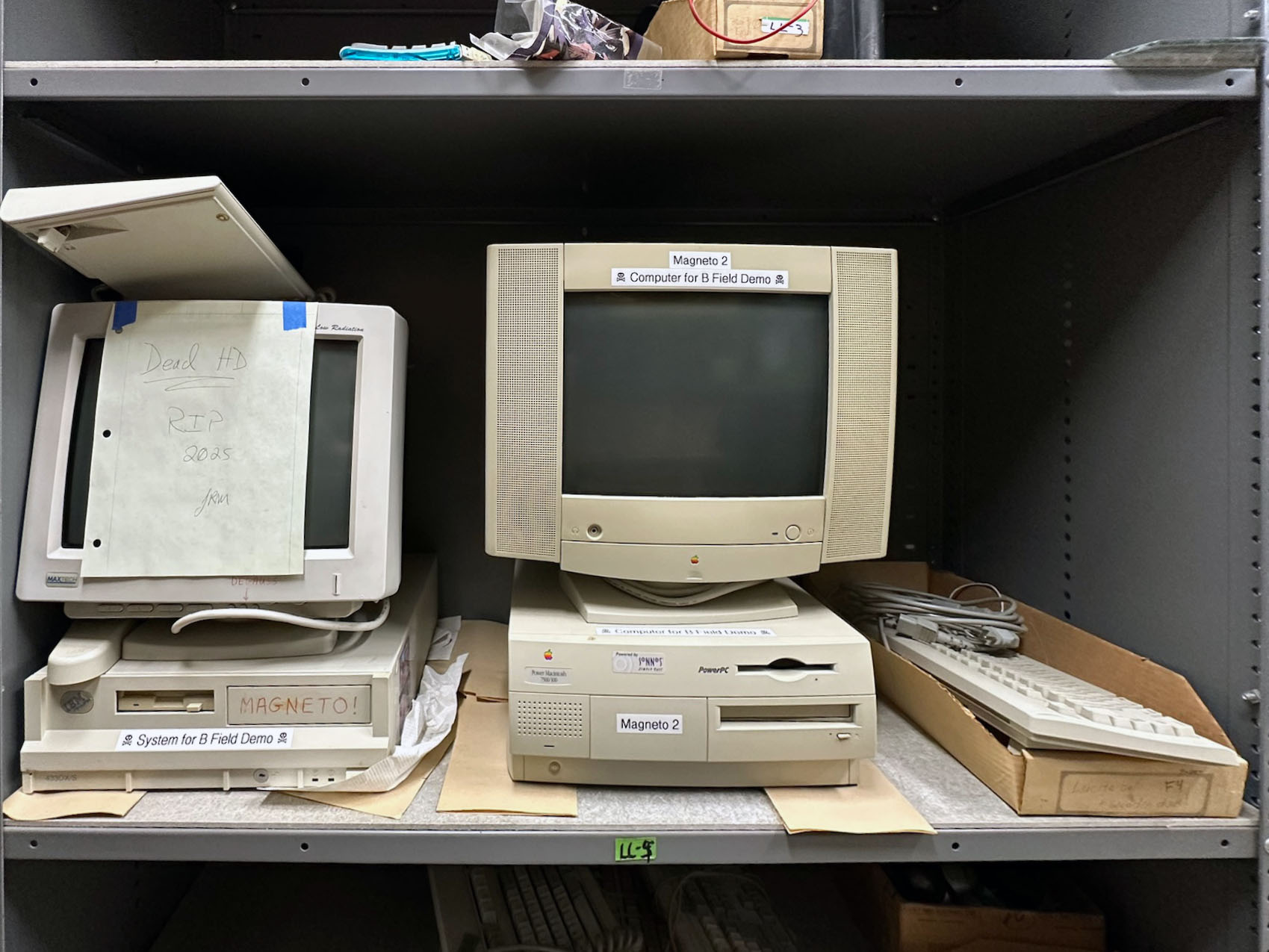 Magneto 1 (left - dead hard drive) and 2 (right) are stored on shelf LL5. The keyboard, mouse, and power cables for Magneto 2 are stored in the box at far right. |
|
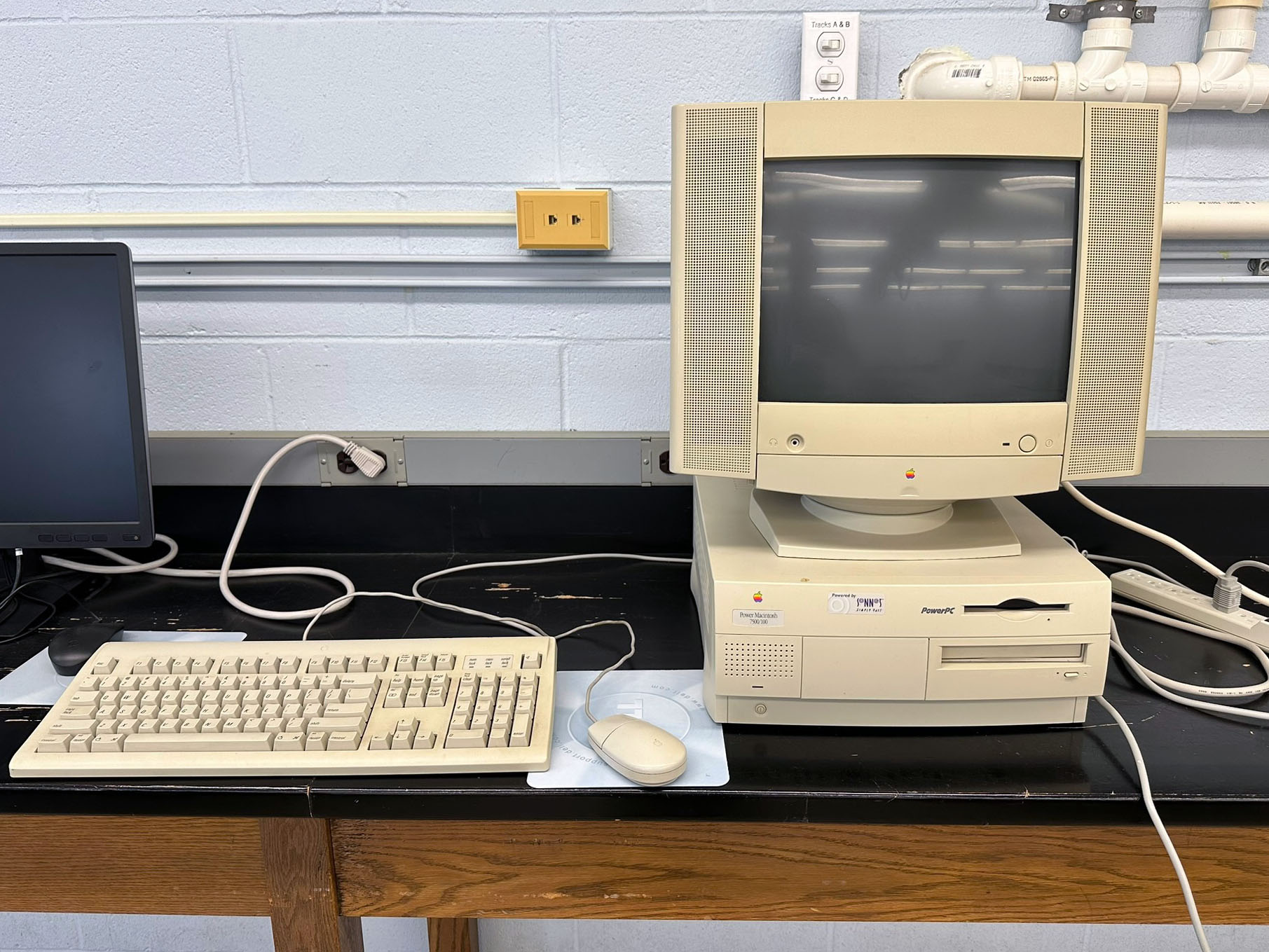 Use Magneto 2, an old PowerMac 7500 |
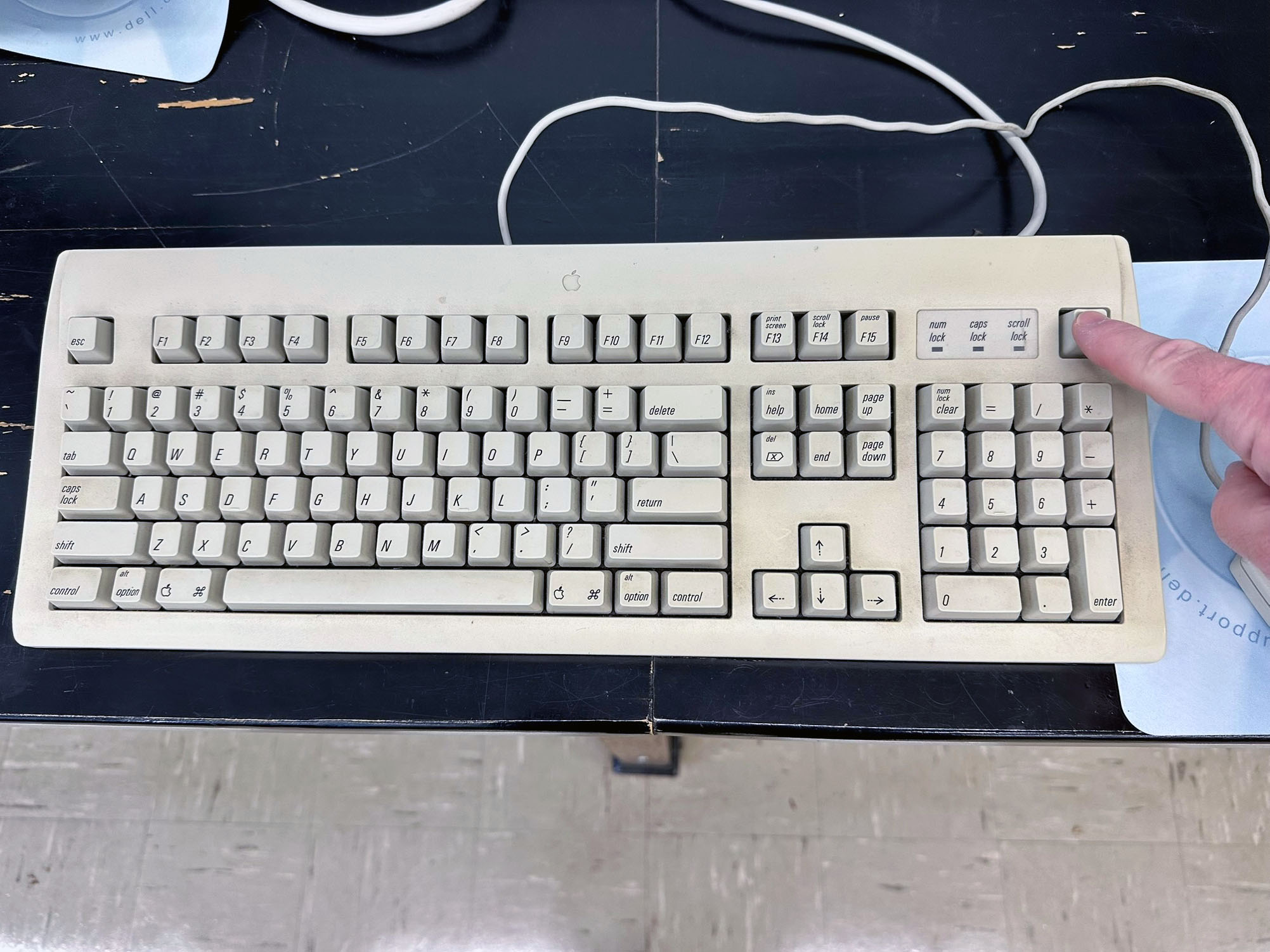 Press the button in the upper right corner to power on and off |
 Fun with magnets |
 Whoa! |
| Magneto I – Old Computer Demo The hard drive of the original Magneto died during the Spring 2025 semester! RIP old friend |
|
 An old computer dubbed 'Magneto' is set up |
 Use the monitor for B field distortion |
|
|
||
| © | St. Lawrence University | Department of Physics |
| Revised: 06 Mar 26 | Canton, NY 13617 |